Interface systems Illustrative reference Copy-ready LLM prompt
Bento Grid
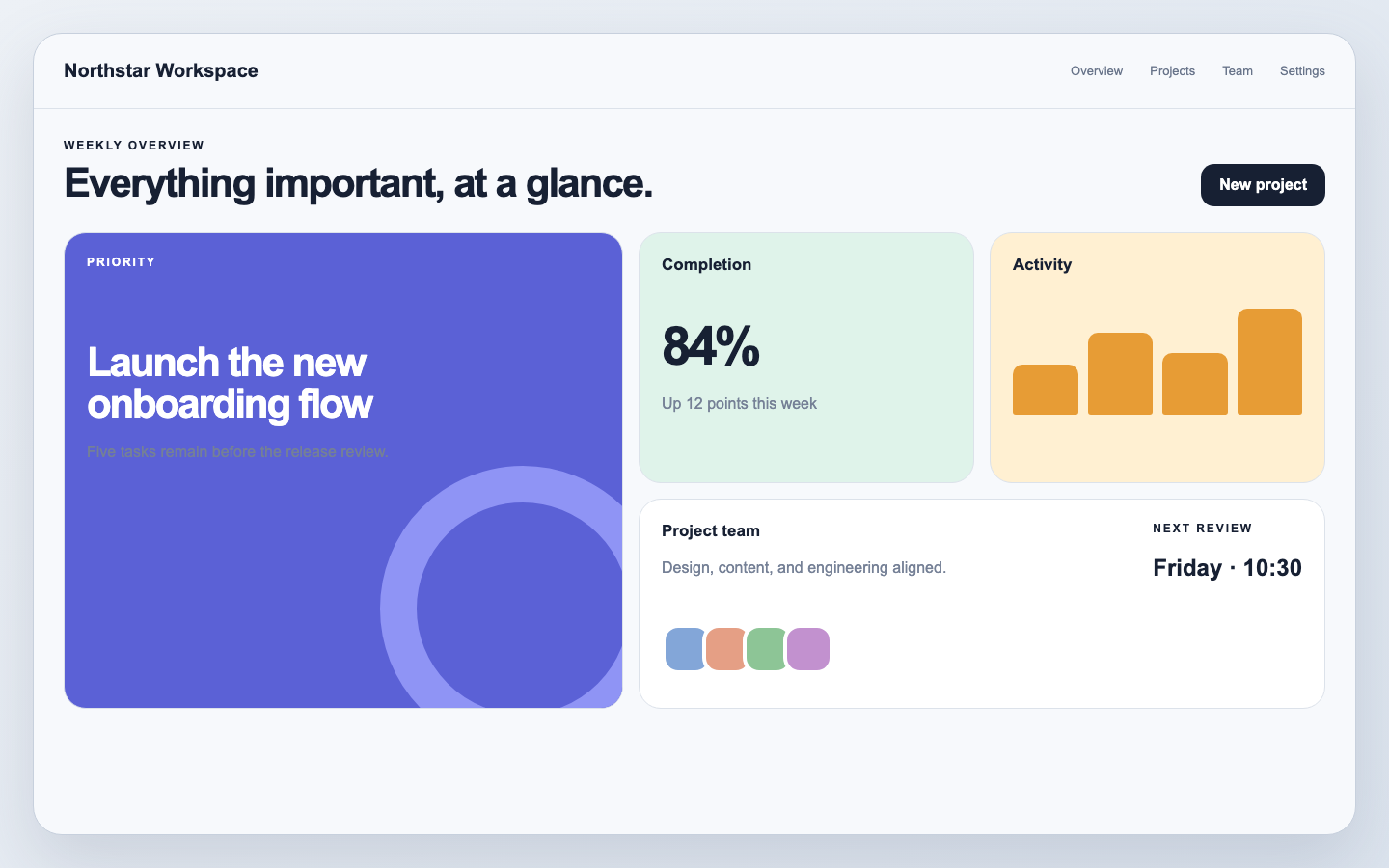
Varied but aligned tiles turn mixed content, status, and actions into a compact modular overview.
Copy-ready LLM prompt
Bento Grid: Copy-ready LLM prompt
Use this as a starting brief, then adapt the content, brand, and interaction requirements for your project.
Design a responsive bento-grid interface using varied tile spans, strict alignment, concise content blocks, and a clear visual hierarchy. Give every tile one primary purpose, use color and scale sparingly, and define hover, focus, selected, loading, empty, and error states. On narrow screens, preserve meaning with a deliberate linear reading order rather than shrinking the desktop grid.Recognition traits
How to recognize this style
Varied but aligned tiles turn mixed content, status, and actions into a compact modular overview.
- 01 Modular tiles
- 02 Mixed spans
- 03 Strong alignment
- 04 Compact summaries